How to make an N64 3D platformer with AI
To make an N64 3D platformer with AI, open Shiny Gen, start a new game on the N64 Engine, and describe the platformer in the Agent tab: the hero, the world, the jumps, the enemies, the camera and the look, and ask for real 3D models. The AI agent models the characters, writes the game, compiles a real N64 cartridge, plays it with the analog stick and fixes what it finds. We did that for this guide: one prompt, two "continue" messages, one change and one more "continue" gave Robo Island: Coin Hop, a round robot with a red antenna collecting 20 coins on a floating island, with a double jump, beetles, a camera you turn with the C buttons, a shadow under the robot and a stone tower with a star on top. It took about eight minutes of agent time and about 235 gems.
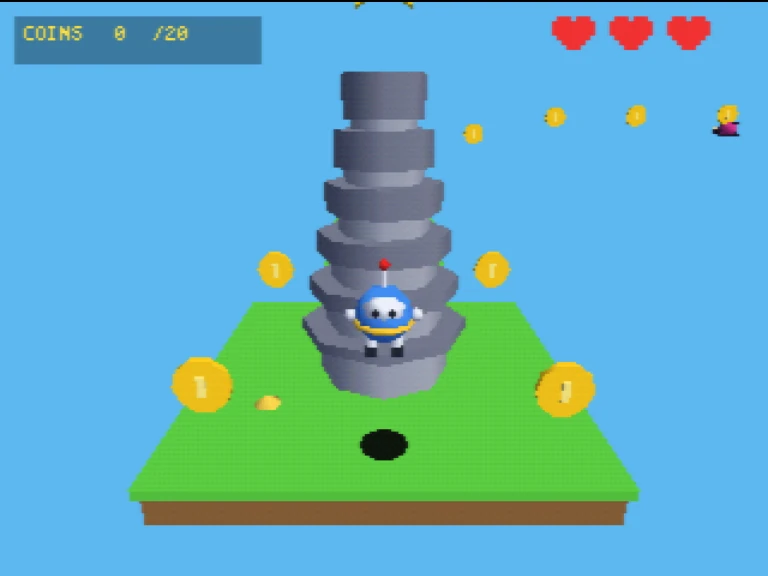
The test: five messages, one 3D platformer
Everything below is from one real session on 24 November 2026, recorded in the Shiny Gen app. The prompts are copied word for word, the AI's messages are quoted from the chat, and the pictures are screenshots of the app or frames drawn by the cartridge. Nothing was edited by hand.
| Message | What we sent | Agent time | Gems |
|---|---|---|---|
| 1 | The platformer, with the models asked for up front | 4 min 54 s | 10 |
| 2 | "continue" | 18 s | 34 |
| 3 | "continue" | 47 s | 60 |
| 4 | A tower with a star, and a shadow | 1 min 24 s | 62 |
| 5 | "continue" | 46 s | 70 |
We made one earlier try with a shorter description of the art, and there the agent built the whole island and every character from plain colored boxes and said so. The prompt below asks for models in so many words, and that made the difference.
Step by step: the platformer we made
1. Start an N64 game
Press +, choose New, then pick N64 Engine on the Choose an engine screen. In a browser, this link opens a new N64 game directly. The Agent tab is where you talk to the AI.
2. Describe the platformer, and ask for models
Our first prompt, exactly:
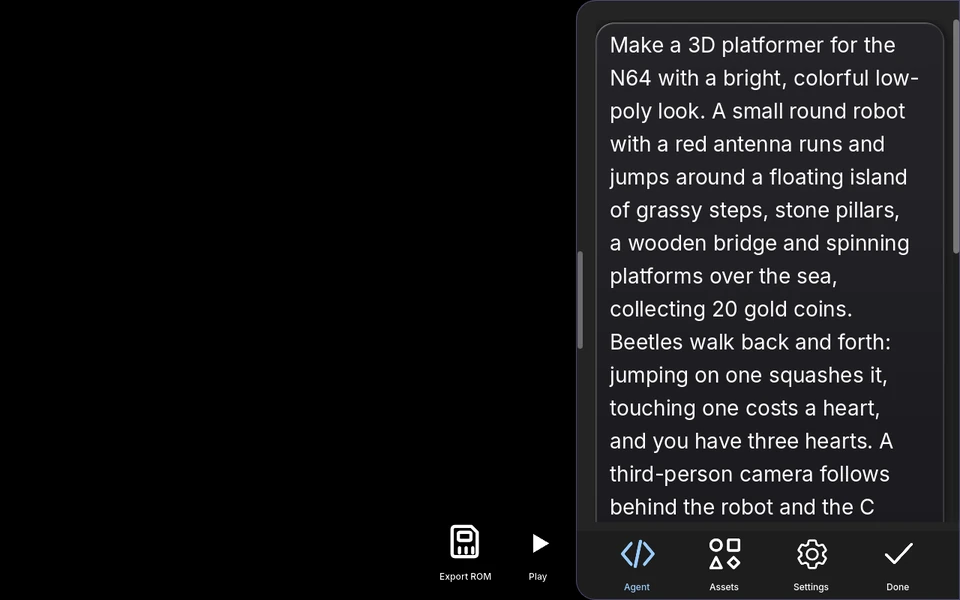
A 3D platformer prompt needs a few things a 2D one does not: the camera, and what each model should look like. Saying "a round body, legs and an antenna" gives the agent shapes to build.
3. Watch it model the characters, and count triangles
The agent read the N64 reference, then made seven models before it wrote a line of the game: the robot, the beetle, the coin and pieces of the island. Then it checked them against the machine's budget:
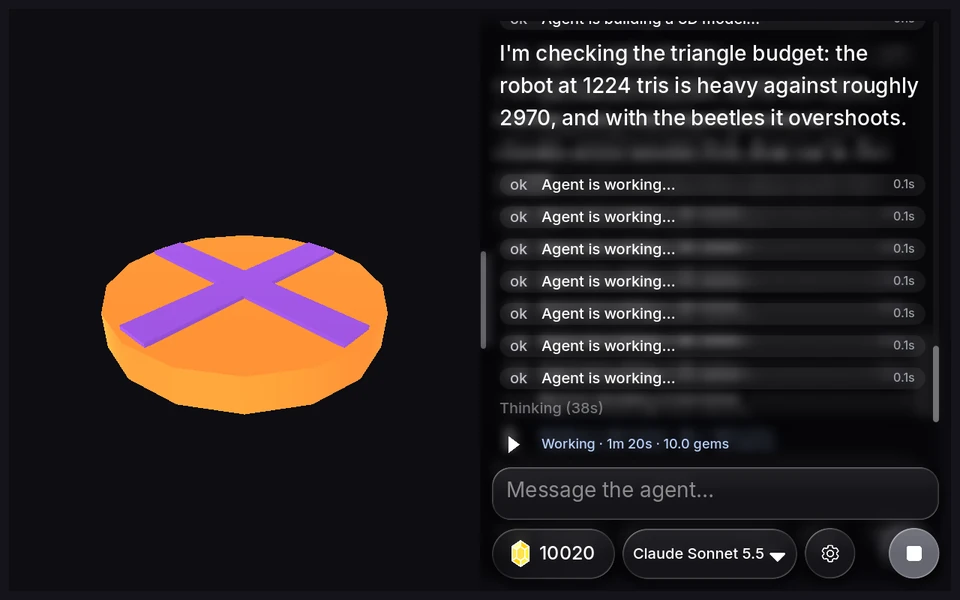
The N64 draws a limited number of triangles each frame, so a detailed robot plus five detailed beetles would slow a real console down. The agent cut the robot to 990 triangles and kept counting:
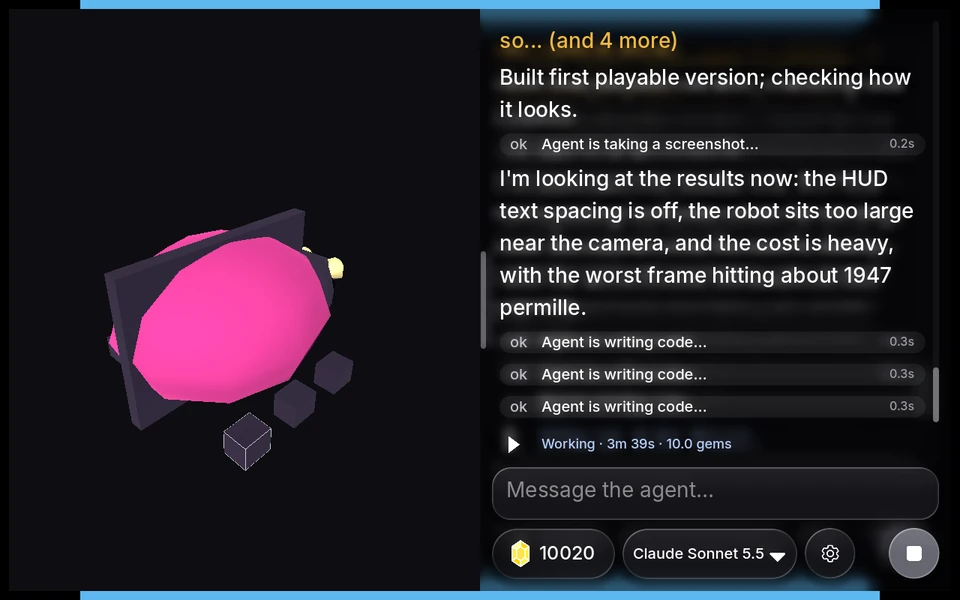
Its first build drew the scene at nearly twice the budget, so it reworked the scene and rebuilt until the worst frame was at 88 percent. Then it played: it pressed Start, ran the robot up the grass steps, and walked into a beetle to check that a heart goes dark.
4. Send "continue" while it tests
The agent ended the first turn by listing what it had not tested (falling into the sea, stomping a beetle and the YOU WIN screen) and asking whether to go on. Two "continue" messages let it test. It ran the robot off the edge to check the respawn, and set the win at two coins for a moment to see the YOU WIN screen, then put it back to 20. It was careful about what it had and had not seen:
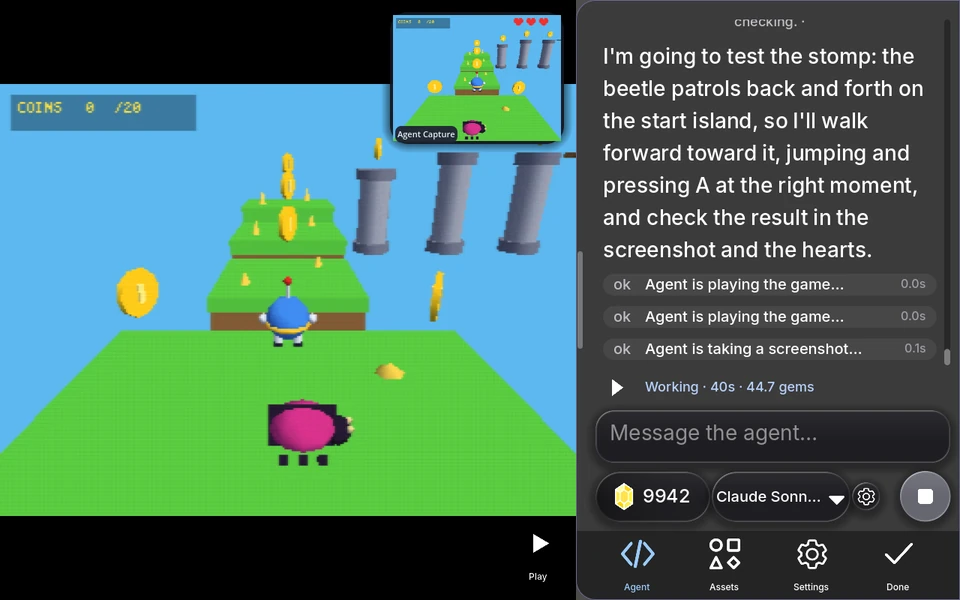
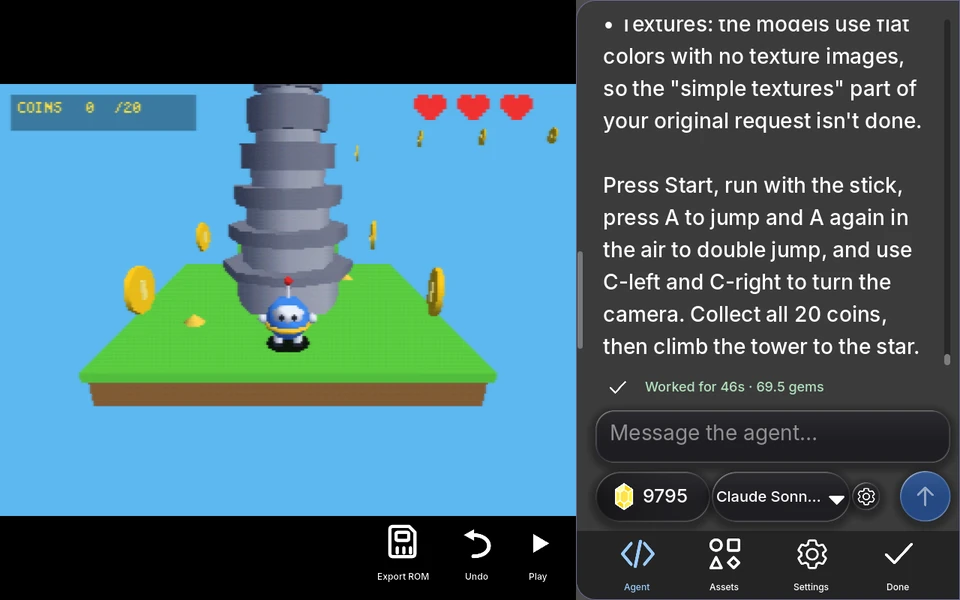
It could not time a jump onto a moving beetle with scripted button presses, and it said so rather than claiming the stomp worked. It also said plainly that one part of our request was not done:
5. Ask for the tower and the shadow
The fourth message:
The agent modelled a tower and a spinning star, added a dark disc under the robot that shrinks as it rises, and made the star show "COLLECT ALL 20 COINS FIRST" until you have every coin. The tower pushed the scene over budget, and the app said so in plain words:
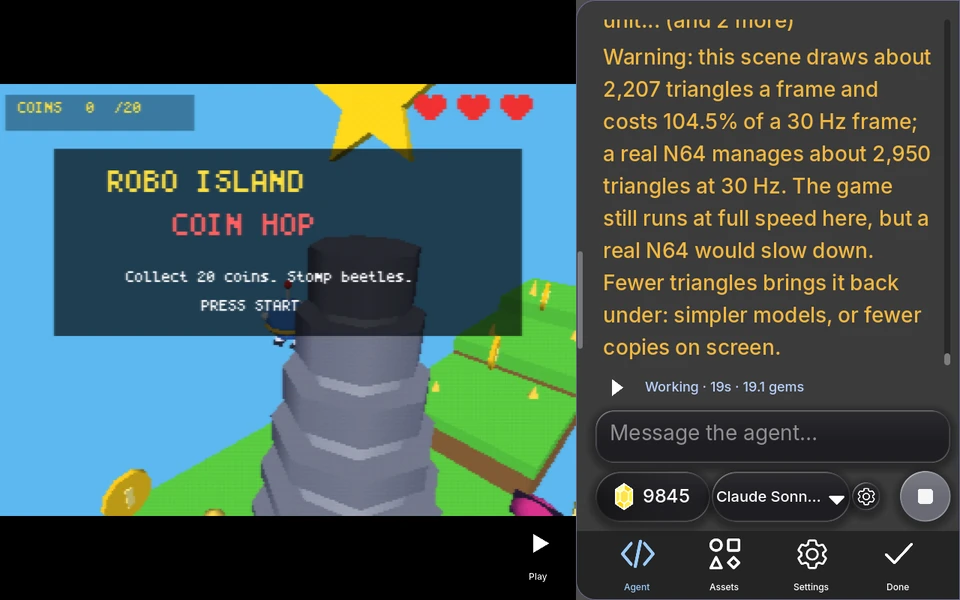
The agent cut the tower from seven tiers to six and drew fewer far-away platforms each frame, which brought the worst frame back to about 90 percent.
6. Check the win, then play it yourself
The last "continue" put the robot on top of the tower with 20 coins to check the YOU WIN screen, then with no coins to check the "COLLECT ALL 20 COINS FIRST" message, and then put the real start back. Its last message listed what was still not seen in a real run: collecting all 20 coins in one go, climbing the tower from the ground, and a beetle stomp.
7. Play it and download the ROM
The game plays in the editor and from its card, with the keyboard, a controller or the on-screen buttons. Press Share, then Export .z64 ROM to download the cartridge. Exporting costs $25 per game, or comes with a plan, and you can re-export that game any time. Outside Shiny Gen, play it in ares or another low-level N64 emulator, or on a real N64 through a flash cart: the N64 guide has the steps.
What we learned from the test
- Ask for models by name. "Real low-poly 3D models ..., not plain boxes", with a word or two on each shape, got a robot, beetles and coins. A vaguer art line got boxes.
- The triangle budget is real, and the app shows it. The agent counted triangles while modelling, and the app warned when the tower pushed a frame over what a real N64 could draw.
- Timing-based moves are hard for the agent to test. It could not land on a moving beetle with scripted presses. Stomps, tricky jumps and the camera near walls are for you to play.
- Read the "not done" lines. Here that was textures and the stomp.
What to put in a 3D platformer prompt
- The hero and its moves: run, jump, double jump, ground pound, glide.
- The world: islands, steps, bridges, moving or spinning platforms, and what happens if you fall.
- The camera: behind the hero, and which buttons turn it.
- Enemies and pickups: how each moves, what touching it does, what you collect and how many.
- The models: "real low-poly 3D models", with the shapes you have in mind, and colors.
- Screens and the goal: title, HUD, the win condition, game over.
What the N64 can hold, for a 3D platformer
- Triangles: about 2,970 flat-shaded triangles a frame at 30 frames a second, or about 1,500 to 1,700 textured ones. Going over never slows the game inside Shiny Gen, but a real N64 would run slower, and the app warns you.
- Small textures: at most 64 x 64 pixels each, with at most 64 meshes and 63 textures loaded at once.
- Screen: 320 x 240.
- Sound: eight voices of 16-bit sound at 32 kHz.
Ideas to ask for next
- "Give the robot and the island simple textures: grass, stone and metal."
- "Make the beetles turn around at the edge of their platform."
- "Add a ground pound that breaks crates with coins inside."
- "Add a second island reached by a cannon."
- "Show a timer and save the best time."
FAQ
Can AI make an N64 3D platformer?
Yes. Pick the N64 engine in Shiny Gen and describe the platformer; the agent models the characters, writes the game, compiles a real N64 cartridge, plays it with the analog stick and fixes bugs. This one took five messages, about eight minutes of agent time and about 235 gems.
Can AI make a game like Mario 64?
Yes, a game in the same genre: a 3D platformer with running, jumping, collecting and a camera you turn, like the one on this page. Make it your own: your own hero, names and models rather than Mario's, especially if you share or sell your game. The agent made this robot and its beetles from our description.
Do I need to make the 3D models myself?
No. Describe them, and the agent makes them as models it can change on request. You can also open each model in the editor.
Is it a real .z64 ROM?
Yes. It is an N64 cartridge image compiled to the console's own code. We have played N64 ROMs made this way on real N64 hardware through a flash cart. To play it outside Shiny Gen, use ares or another low-level N64 emulator; most online N64 emulators cannot run these ROMs.
Why did I have to send "continue"?
Each agent turn has a budget of steps, and the agent stops to say what it has tested and what is left. "continue" carries on.
Is it free?
Making, playing and sharing games is free. The built-in agent uses gems, and new accounts get free gems. Downloading the ROM costs $25 per game, or comes with a plan. See the pricing page.